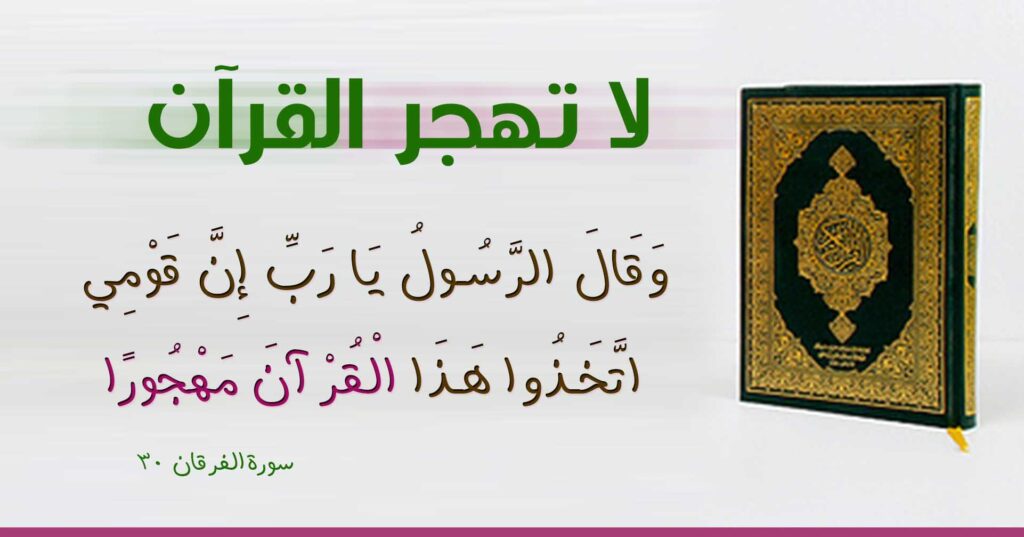
Before sharing a Dawah card, open its design page and read the transcription alongside the image. Small details such as a verse reference, hadith number, or attribution help the reader understand what the card contains. Preparing the file should keep those details readable rather than fill a phone screen at any cost.
Start with the download, not a screenshot
Use the artwork download on the design page. A screenshot can include browser controls, capture fewer pixels than the available file, or miss an edge containing a reference. Open the downloaded image in your photo or file application and note its width and height in the file information. Keep that original unchanged. If the artwork terms allow a resized copy, save your experiment as a separate file.
There is no single image size that suits every card in a conversation. A wide banner and a tall poster have different shapes. If you reduce an image, change width and height in proportion. Stretching it makes Arabic letterforms wider or narrower; enlarging a small file does not recreate detail that was absent from the original.
Choose the attachment for the recipient’s task
A photo attachment is convenient to preview inside a chat. Check the quality option available in your version of the app; the WhatsApp HD quality guide explains its media-quality choices. If someone needs the file itself for work or archiving, try selecting it through the document attachment option rather than the photo gallery. WhatsApp’s media and document guide describes the attachment choices. Treat the received result as the test, rather than assuming an option label guarantees an unchanged file.
Inspect the received copy before wider sharing
- Send a test to your own notes conversation and open the received image at full size.
- Check letter edges, dots, and diacritics. Read the source line without excessive zoom.
- Compare received dimensions with the download when preserving the original size matters.
- Check that a cropped chat preview does not imply it contains the complete wording. Opening the file should reveal the whole design.
Include the design page link and a short description of the subject with the image. The page keeps its readable text and reference available beyond the first message. Try this checklist with the “Do not abandon the Quran” design and read the artwork usage page for the available file’s terms. If the stated terms do not cover a new version, use the design enquiry link before making one.